Vibe coding (Andrej Karpathy) in Jupyter with Mito-AI - the Cursor for data scientists. My top 8 Tips
Published: February 25, 2025
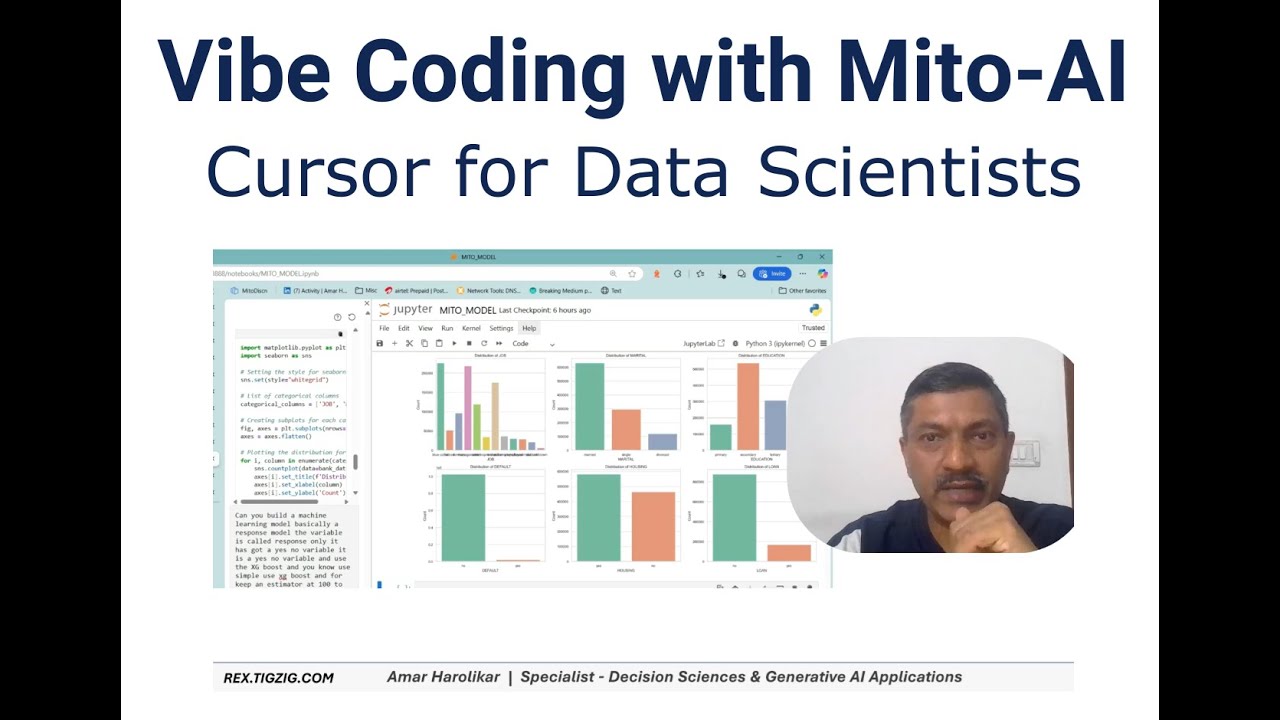
Mito-AI: In the same league as Cursor, Flowise, Lovable, n8n - a powerful and well designed tool. A few weeks of vibe coding with Mito-AI in Jupyter, and I'm hooked.
Efficiency Boost
Smooth UI/UX and fast responses. No more copy-pasting code or tabbing through windows - used to break the flow. Cursor like experience. Still a Colab fan, but now defaulting to Mito-AI.
Vibe Coding - Andrej Karpathy on X. Excerpts:
"There's a new kind of coding I call 'vibe coding'… I barely touch the keyboard, just talk to Composer with SuperWhisper… I accept all suggestions… Copy-paste errors, usually that fixes it… I just see stuff, say stuff, run stuff, and it mostly works."
Full post here : Andrej Karpathy on X: "There's a new kind of coding I call "vibe coding""
My top tips for using Mito-AI Copilot
Use vibe (voice) coding - Win + H (Cmd + H for Macs). If it's not working, go to Settings → Voice Activation Privacy → Turn on access.
One chunk at a time - avoid having it do too many things in one prompt. Much faster overall.
No need to copy-paste sample data - Mito-AI auto-detects dataframe schemas.
Refer to previous messages - has full conversation history. e.g: "You know you did that date extraction from that zip file name… do the same thing for this CSV."
Install with or without Mitosheet -
pip install mito-ai mitosheetadds a nice visual spreadsheet view…but works without Mitosheet also. Try both. I like with Mitosheet.Open Source / Pricing - Free tier (500 messages/month). Premium ($20/month) for unlimited completions + premium models + greater functionality. OR use the base version on an open-source basis with your API key - using this now. If usage increases, I'll move to premium.
Setting API key –
- Session level (PowerShell): command:
$env:OPENAI_API_KEY = "sk-proj…your-open-ai-key"… then start notebook from SAME terminal (command:jupyter-notebook)
- Session level (PowerShell): command:
Modeling - analysis - automation: validations critical - Need to ask the right questions, validate results, sometimes check the code. Best part - tools like Mito-AI & Cursor make this super-efficient too.
Video
- 11-min walkthrough
Video Time Stamps
- 00:00 - Start
- 00:08 - Activating Voice Mode & PIP Installs
- 01:02 - Basic usage - import / transform & Mito AI schema memory
- 04:06 - Example - prompting for EDA / Model Build
- 06:48 - Example - connecting to database
- 08:23 - Updating OPENAI_API_KEY - environment variable - 2 methods