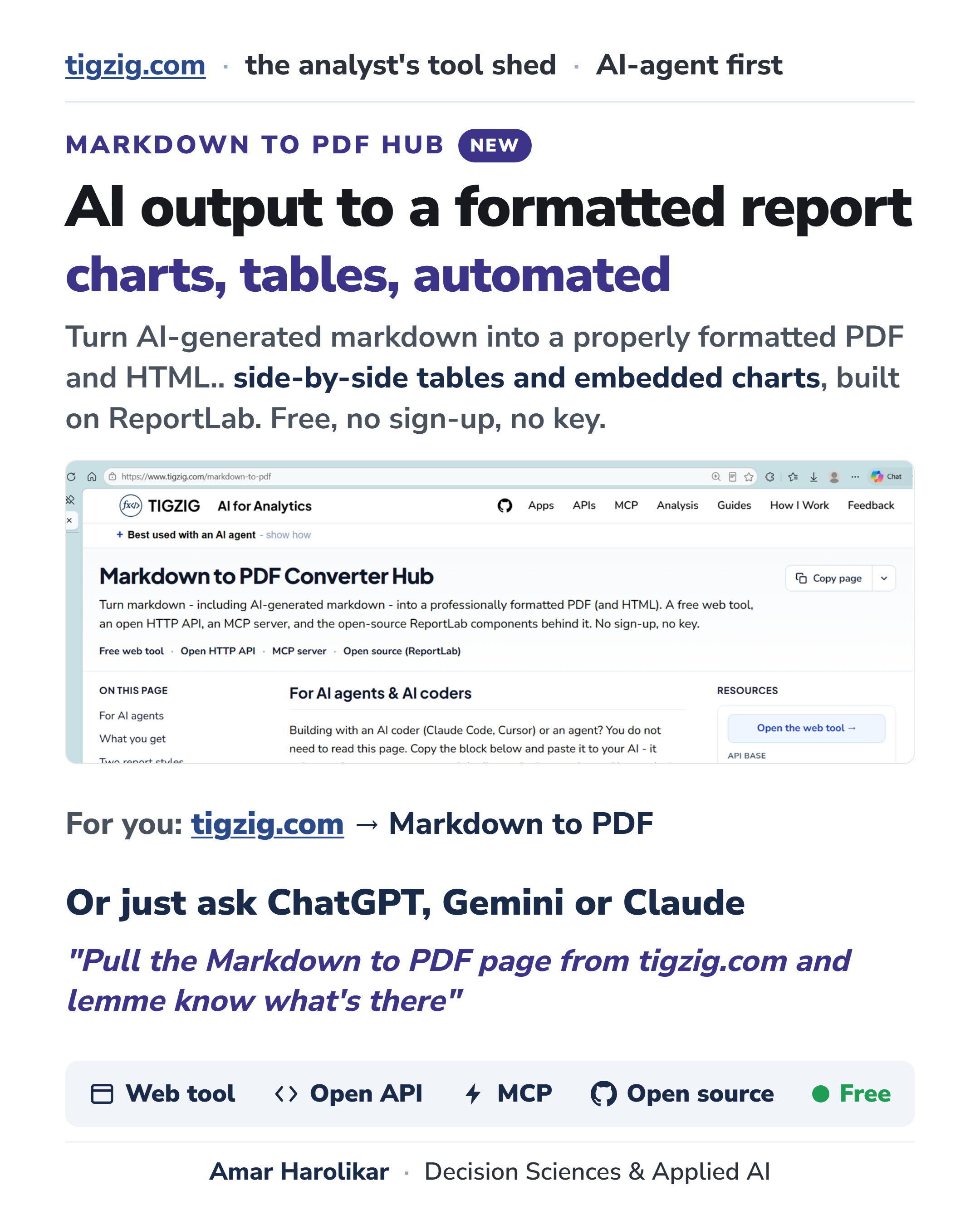
New Markdown to PDF Hub on Tigzig.com - ReportLab, Repos, Live Tools, MCP + API Endpoints.
Published: June 30, 2026
How do you get AI-generated markdown into a properly formatted PDF report.. with charts, side-by-side tables, the layout you want?
Sharing my learnings, tools, repos available on the new 'Markdown to PDF Hub' on tigzig.com.
Many ways to do it... I use ReportLab. .. gives you a lot of flexibility over layout - headings, tables, side-by-side blocks, embedded charts, page templates - and the open-source version has all of it.
The repos have the wiring and components that you can repurpose for your projects.
Want to see it live in action?
Go to quants.tigzig.com and have the AI agent run a technical analysis report for you .. or just hit the sample technical analysis button... takes around 30-60 secs.
Live tools and endpoints available across multiple surfaces
- Form-based interface for humans - if you like to fill in your own parameters.
- AI-assisted interfaces for humans - if you'd rather have AI do it for you.
- API endpoint - for automations and AI access.
- Note: Claude Cowork can connect directly to the API - no MCP server required.
- MCP servers - for AI.
Free, open source, no sign-up, no key. It is all in the hub: tigzig.com → Markdown to PDF
Try it live and then have your AI pull the open source repos and repurpose for your uses.
Quick Tips
Quick link: https://www.tigzig.com/markdown-to-pdf
- One thing to be clear.. this is not an auto-layout tool where markdown goes in and a finished design comes back. It is for automated pre-formatted layouts. You do need to set the format once.
- Live ones need iteration. Many tools there, but I stick to ReportLab and Claude Code. Moves pretty fast.
- On the AI side, for the auto formatting I get a really good result with Gemini 2.5 Flash.. that's my first choice LLM for all AI automations .. very cost effective and reliable.
- I have split the PDF conversion into a separate backend service. For your own use you can just combine it into a single tool / app.
- The main trick is getting the AI to return structured output (JSON) including image paths, formatting tags etc so that the automated service can generate the PDF perfectly. The prompt sitting in the code shows exactly this kind of guidance. Getting it to generate in a very specific format was the big learning and lots of iterations.
- Offline automation is straightforward.. if you are doing live tools, tool security becomes important - across edge, frontend, backend, MCP etc. Shared repos have basic stuff. For latest updates go to tigzig.com -> Security.
Working on something similar? How I work covers the rates, the availability and what I take on.