Run a Full AI Database App as a Single HTML File. No Server. No Remote DB.
Published: October 19, 2025
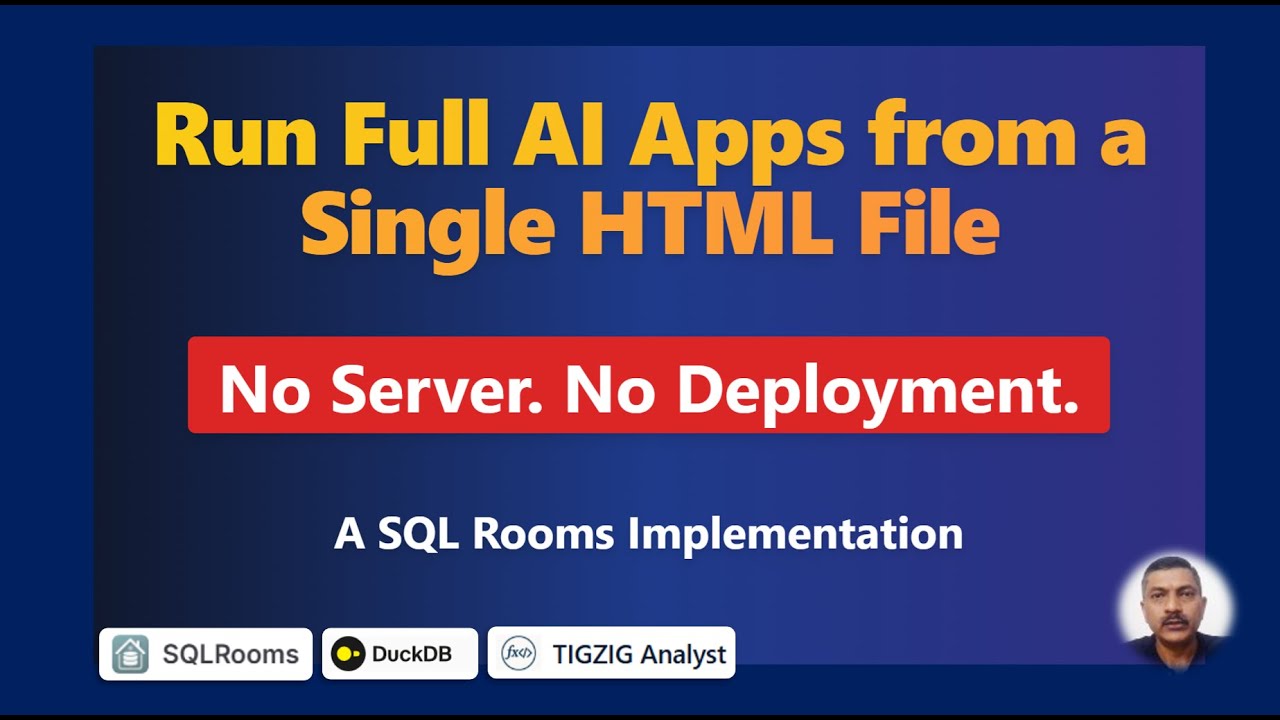
Few days back I shared a custom implementation powered by SQL Rooms (sqlrooms.org) to chat, query multi-GB files in conversational language. With DuckDB database running right in browser. Live here
Now, you can download the full thing - one HTML file that works right off your laptop. The entire React application is now compiled into a single, portable 3.5MB HTML file.
Double-click it, and you're running a full AI app. No installs. No backend. No server deploys. Download it, email it, or share it.
Imported a 1.6GB / 11M-row files - chatted with the data to run analysis and visualizations (see video)
Try it
Download live cricket data files (100MB - 1.6GB unzipped) from my Google Drive. Get a free Google Gemini API key with your Gmail account from aistudio.google.com, and have at it.
Use cases
- Fully portable apps. Run directly from your local drive.
- Internal tools or lightweight AI utilities
- Share by email or keep on shared drive
- Replace static decks with live, interactive apps
- Works for AI, automation, or dashboards alike
Technical Note
- The build uses Vite with the vite-plugin-singlefile plugin, which bundles all JS/CSS into the HTML. Code and methodology is in the repo.
- I have currently enabled only Google Gemini. CORS issue with OpenAI and Anthropic API calls but can be enabled with a simple proxy server.
To build
Use Google Build (Free) or Lovable to setup your app and a working version. Then build locally with Claude Code, Cursor, or Gemini CLI and export via Vite singlefile plugin.
Source Code
Docs: On app → "Docs" tab
Credits: Original SQL Rooms
sqlrooms.org from Foursquare. Architected by Ilya Boyandin
Cricket data from Cricsheet, published under the Open Data Commons Attribution License 1.0 (ODC-BY).
Working on something similar? How I work covers the rates, the availability and what I take on.