Claude for Analytics on Tigzig.com - New Hub: Excel, PowerPoint, Cowork, 7 MCP Servers, 20+ Guides.
Published: July 1, 2026
New hub on tigzig.com: Claude for Analytics - in Excel, PowerPoint and Cowork.
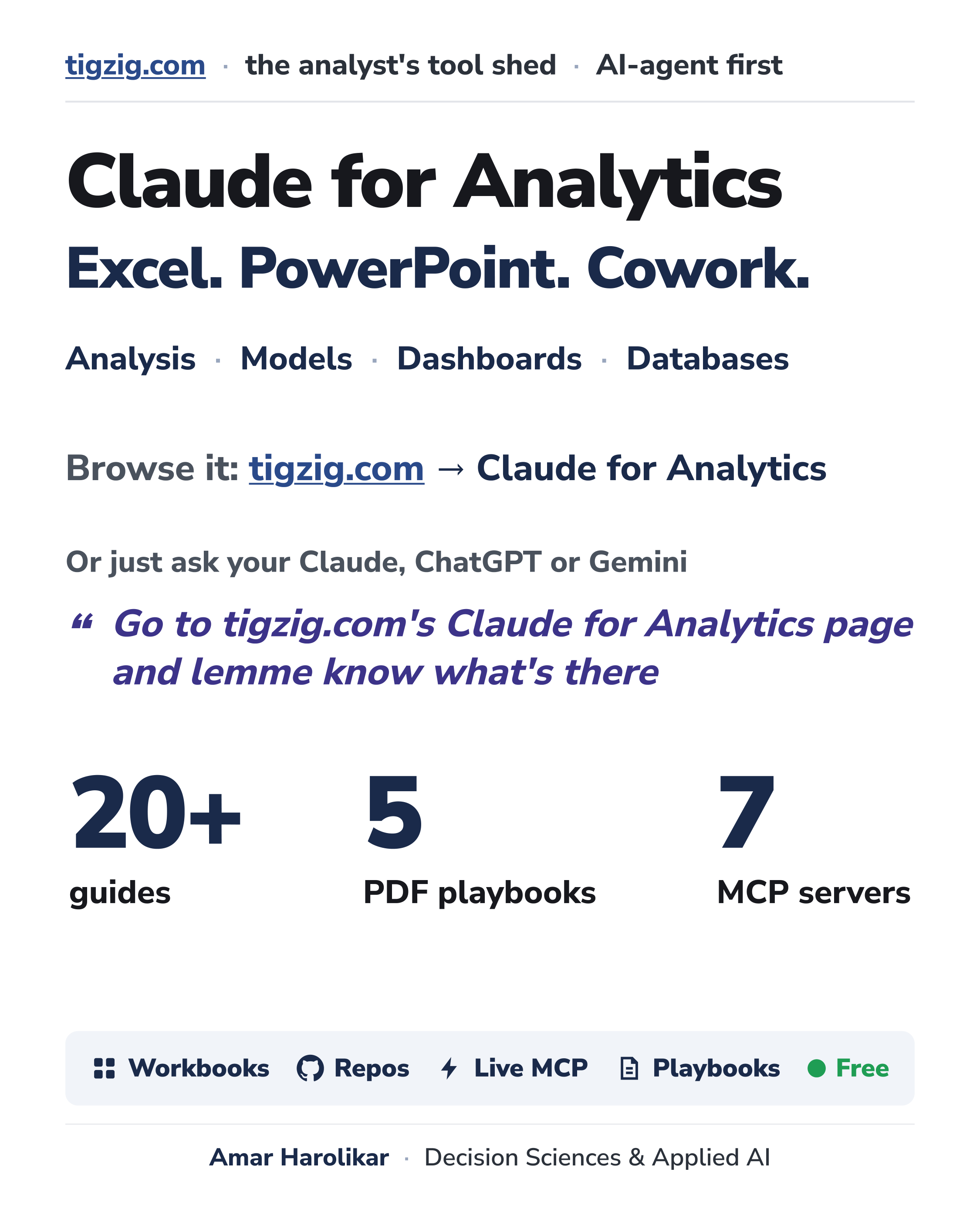
Everything I have built and written on driving analyst work with Claude, pulled onto a hub page. 20+ guides, 5 PDF playbooks, 7 MCP servers. Plus the workbooks.. formulas, charts, models. Open them and poke around.
Talk to Postgres and DuckDB from inside Excel. Pull 81 risk and return metrics live into a sheet. Work with Claude-in-Excel and have it push results to Claude-in-PowerPoint. And Cowork takes the same Claude beyond the sheet.. files, databases, ML models, code, one frontend for all of it.
Browse it: tigzig.com -> Claude for Analytics.
Or just ask your Claude, ChatGPT or Gemini to go read the page and tell you what's there.
All free. Almost all open source.
Some practical notes on which Claude I use for what
My primary tool is still Claude Code. More than half my work now is full stack tool builds.. that is all Claude Code only. Same for the heavy data work, 100s of PDFs, scraping, deployments, server, security.
But a lot of the day to day has moved. Excel-heavy work goes directly to Claude in Excel. Claude Code / Cowork can work on Excel files, but that is not the effective route. Decks and reports, unless it must be a PPT, I now do in Cowork as HTML and transport to PDF. No PowerPoint in between. Claude in PowerPoint does the job but it plays around with objects and formats.. takes time.
ML models are mostly Claude Code, some in Cowork. I have hardly touched a Jupyter notebook in months. I tell it exactly what I want, from data cleaning and initial diagnostics through final test validations, and ask for all results back as HTML. All my discussion with Claude happens over HTML now. Very fast.
And do read Anthropic's own guides.. their official documentation is very nicely written, simple plain language. Links are in the official docs section on the hub page.
Earlier I used to get confused which one to use where. Now it is instinctive. Try it. Use it. Give it time.
On AI supervision, and on paying for this stuff
AI will do all the heavy lifting.. analysis, ML models, dashboards. But you have to catch its mistakes, in the logic or on the business side. Left unguided it takes its own calls.. an ML model will overfit, hand you accuracy and confusion metrics when you wanted a decile table, run n_estimators to a thousand when 100-150 trees with max_depth of two was what you wanted. You have to tell it. Inspect what you expect. You need to know your stuff.
Pricing, my honest opinion. $20 plan is fine for starting off and light work. Decent regular work, you will need the $100 Max. Heavy end to end work.. tool builds, full stack apps.. nothing below the $200 Max works. At $200 you get basically a whole team of data scientists and developers combined.
But not everybody needs the $200. Among my clients, a few key folks are on it, others do solid work on Cursor at $20 (composer is blazing fast). Occasional use, free limits might do.. Codex is coming up well, Antigravity and Copilot too. Match the tool to the work. High stake work - pay up.
For enterprises, it's API based - probably costs ~50x the subscription price per employee. Same concept, different scale.
Claude for Analytics - 2-page overview
Browse the pages or download the PDF
Working on something similar? How I work covers the rates, the availability and what I take on.