
xlwings Lite: Practice Lab
Built on xlwings Lite, created by Felix Zumstein. Official resources:
Three ways to use AI with xlwings Lite
ChatGPT, Claude, Gemini or AI Studio. You paste your code into the chat and paste the new code back into xlwings Lite. It is free and works well for small scripts.
Claude Code, Cursor, Codex or Antigravity. The AI coder edits the script file directly. You paste it into xlwings Lite, run it and share any error back. This works better once a script grows to a few hundred lines.
The AI coder writes the code, runs it in your Excel, reads the output and errors, and fixes them on its own. You review the results and check the numbers. I use Claude Code for this. It needs desktop Excel on Windows and a one-time setup of about 10 minutes, described in section 17 of the AI Coder Instructions.
AI Coder Instructions
- My personal rulebook for xlwings Lite - fed to the AI at the start of every session.
- Bridges the knowledge gap in LLMs about xlwings Lite's environment - includes 'Golden Rules', error patterns, proven code snippets, and best practices.
- Updated October 2026. Rewritten and re-tested in Excel against the current xlwings Lite (add-in build 1.0.0.104, with the xlwings 0.37 Python package and pandas 3). It is not exhaustive: I keep adding to it as I build and test more tools. The version number is at the top of the file, so you can check whether your copy is current.
- Size: ~680 lines, ~10K tokens.
For Humans
View the complete guide in your browser with proper formatting and navigation.
View in Browser
TigZig Blog
xlwings Lite, AI workflows
& data automation
13 xlwings Lite Tools Updated for the Current Build, and How I Build With an AI Coder Now
2026-08-07An Excel Tracker for Hundreds of Yahoo Finance Tickers
2026-02-21xlwings Lite Local File Access: 8 Patterns You Can Use Today
2026-02-14xlwings Lite WINGMAN function - usage patterns
2026-02-07Python In Excel - Claude Vs. xlwings Lite? Who Wins?
2026-01-17xlwings Lite Data Importer v2 Released
2026-01-09DuckDB Meets Excel: xlwings Lite Data Tools
A note on keeping these current
These tools have been built up over time and I update them as far as possible, but each one sits on top of parts that move on their own schedule: the xlwings Lite runtime, the APIs a tool calls, the third-party services behind those, and other reasons besides. So a tool that worked last month can throw an error today. It is usually a small fix. Copy the error and the tool's code into your AI along with the AI Coder Instructions file above, and that is normally enough to get it working again.
Practice Kits
A practice workbook to try with your AI, and a completed workbook with the full working code.
Data Manipulation and Visualisation
AI-driven variables, automated charts, profiling & best practices
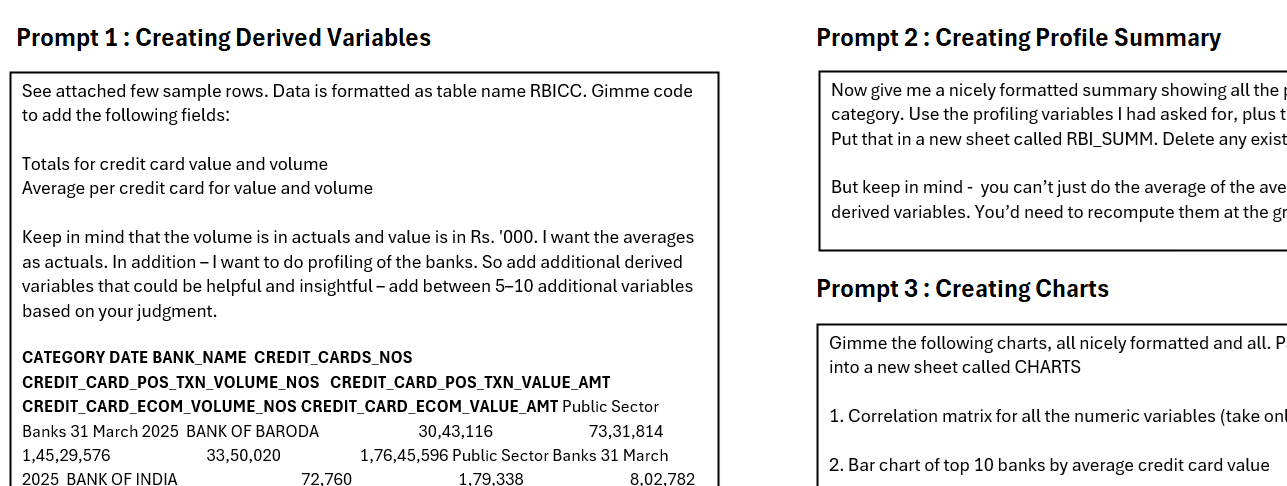
AI-assisted data transformation, intelligent variable creation, automated profiling, and visualization. Learn to create derived variables, summary metrics, profile tables, correlation matrices, and charts using natural language instructions.
Practical Data Cleaning
AI rule generation, test case creation & validation workflows
Using AI to generate, test, and validate a robust data cleaning script. Learn to analyze data patterns, generate cleaning rules, create test cases for edge scenarios, and audit AI's proposed logic.
Campaign Build
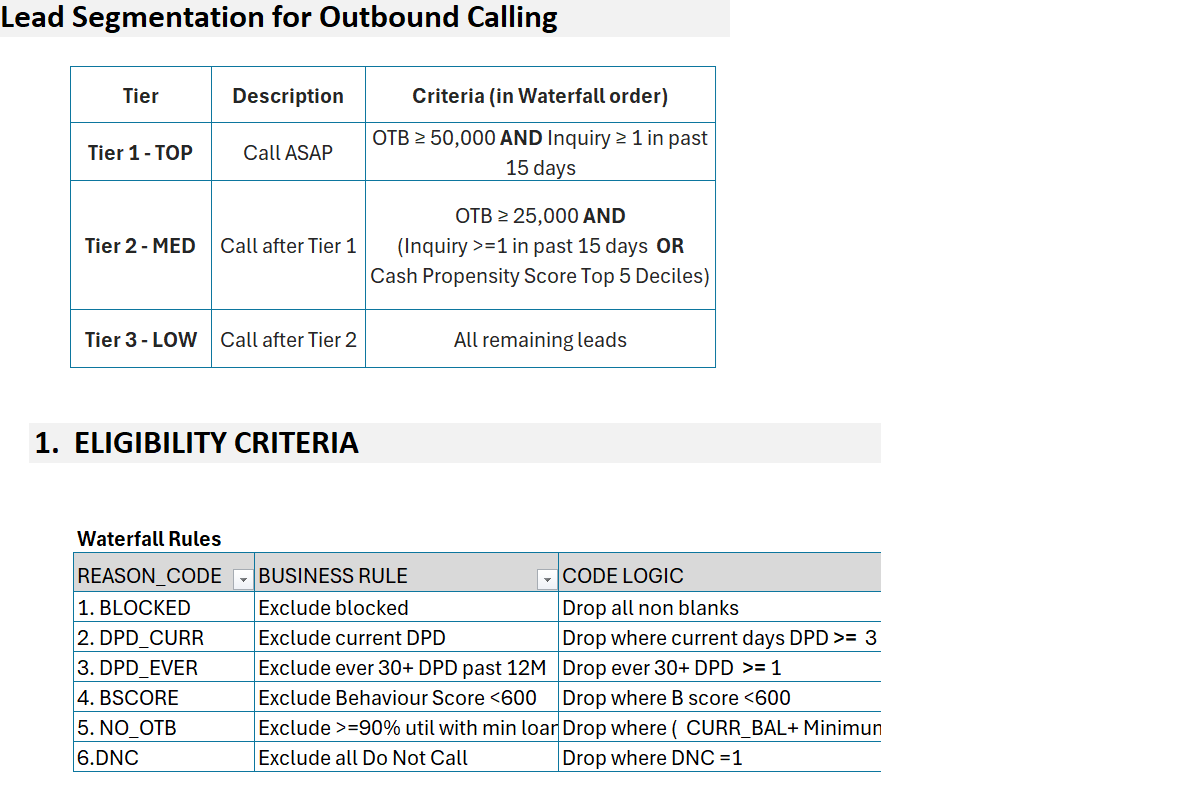
Exclusion waterfall, segmentation & test/control framework
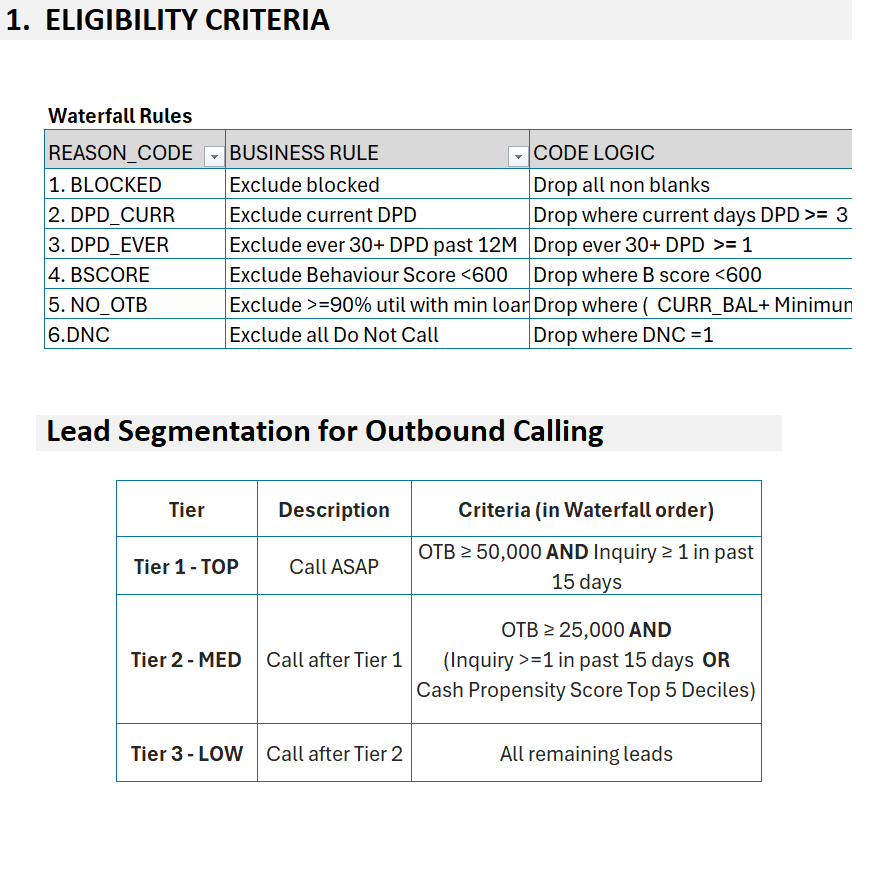
Working with AI to execute a full, auditable campaign workflow in xlwings Lite. Build exclusion waterfalls, segment populations into prioritized tiers, and implement statistically sound test/control groups.
Patterns
Worked examples with test data you can download and try.
Local File Access: 8 Patterns
PDFs, HTML, PowerPoint, Parquet, email attachments - read & write local files
Read and write files on your local drive from xlwings Lite. Mount a local folder, then use 8 distinct patterns covering the most common file workflows.
- •Unzip, process and concatenate files on local drive
- •Generate PDF, HTML and PowerPoint reports to desktop
- •Convert CSV to Parquet, save files from browser to local
- •Send emails with local file attachments via API
- •Run analytics with DuckDB, create charts with Matplotlib
=WINGMAN Function Usage Patterns
Data cleaning & judgment-based categorization from a prompt and a range
Like =COPILOT in Excel - pass a prompt and data range, get structured results. Works with full ranges, adjacent ranges, and single rows.
- •Pulling clean values out of messy text (phone numbers)
- •Full ranges, adjacent ranges, single rows
- •Structured output that fits next to your table
- •Judgment-based cleaning and categorization
Explore Live Apps
See xlwings Lite in action with these live working apps.
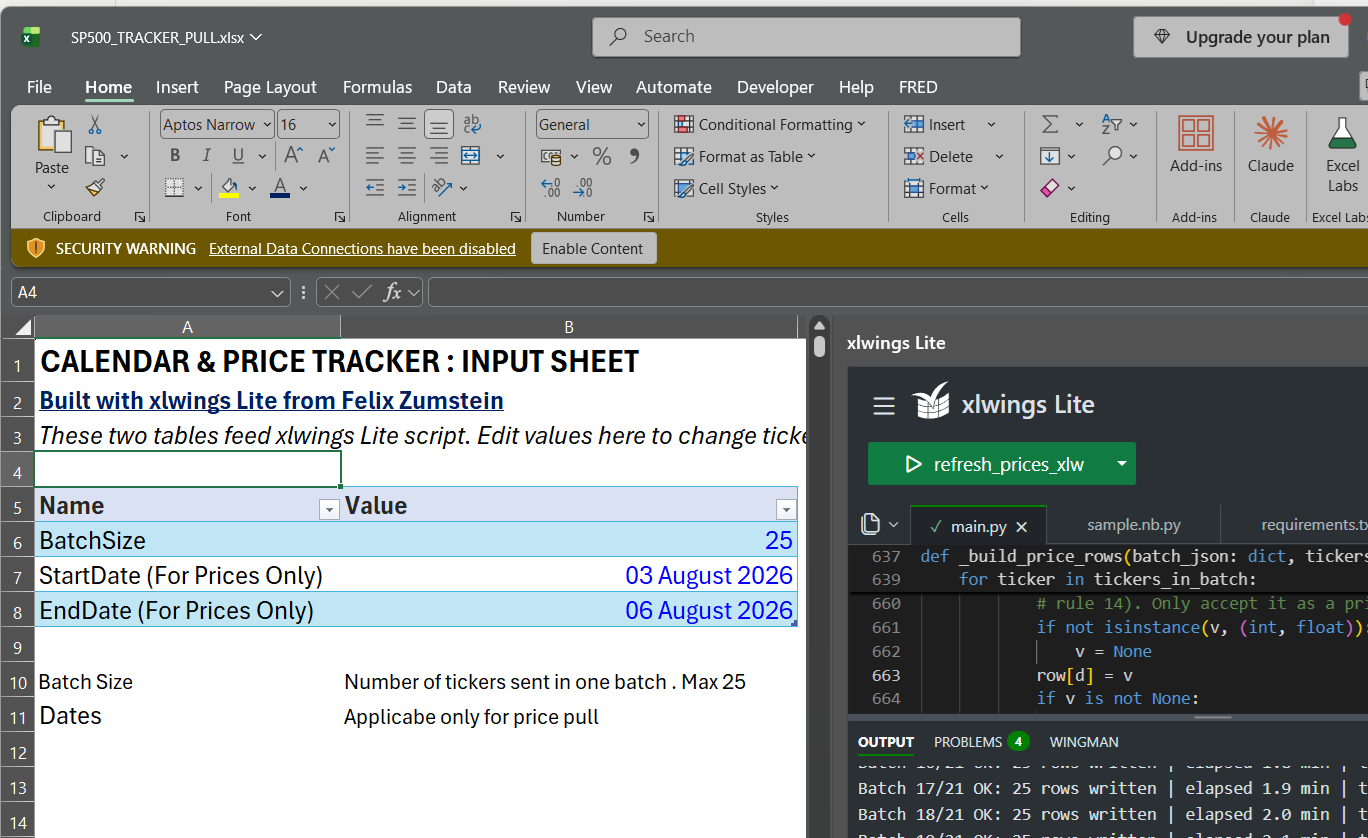
S&P 500 Excel Tracker - Yahoo Finance
A downloadable Excel workbook that pulls prices, dividends and earnings calendar data for hundreds of Yahoo Finance tickers - for when WEBSERVICE keeps failing.
- Pulls hundreds of tickers in one run through the free Tigzig YFIN API
- Prices, dividends and earnings calendar dates in one workbook
- Writes results incrementally so a long pull shows progress as it runs
- Download the workbook and run it - the Python is already in the file
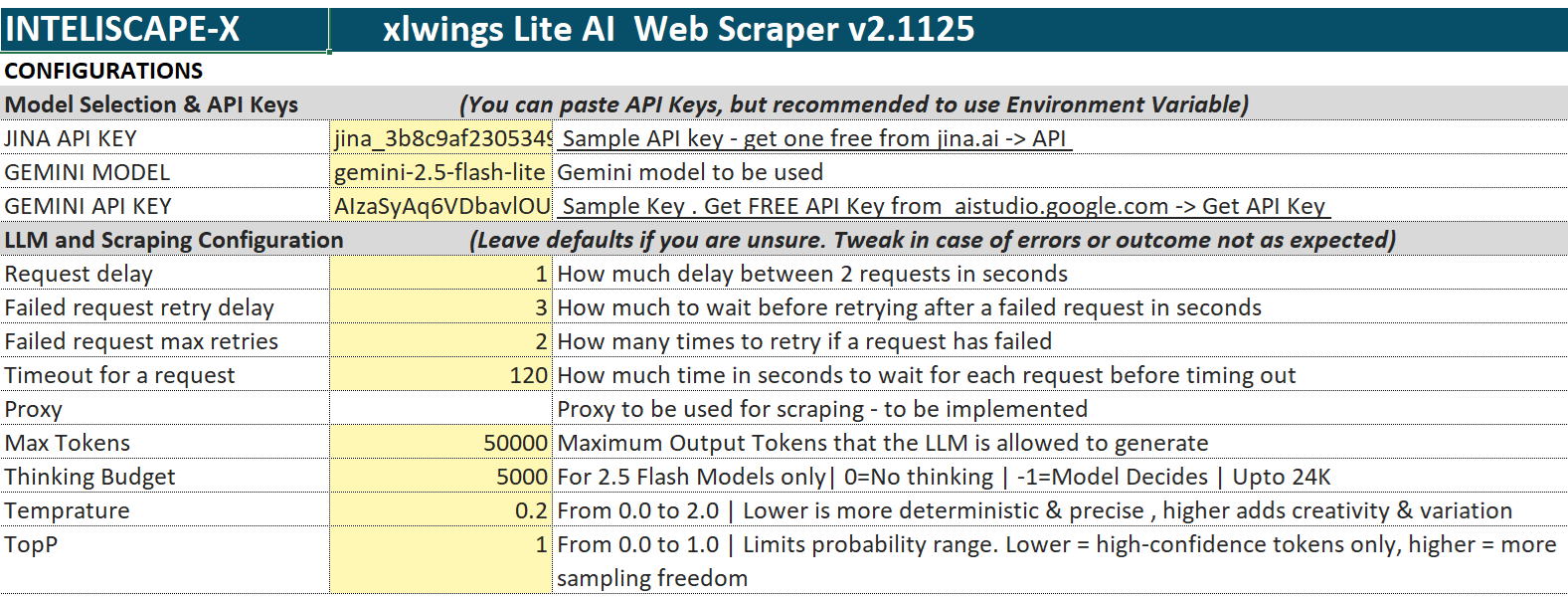
INTELISCAPE-X - Intelligent Web Scraper
Describe in natural English what and how you need the scrape to be done. Transform Excel into an intelligent web scraping platform.
- Extract structured data from multiple websites with AI-powered analysis
- Process batches of URLs with custom column specifications
- Track processing status, errors, and monitor performance metrics
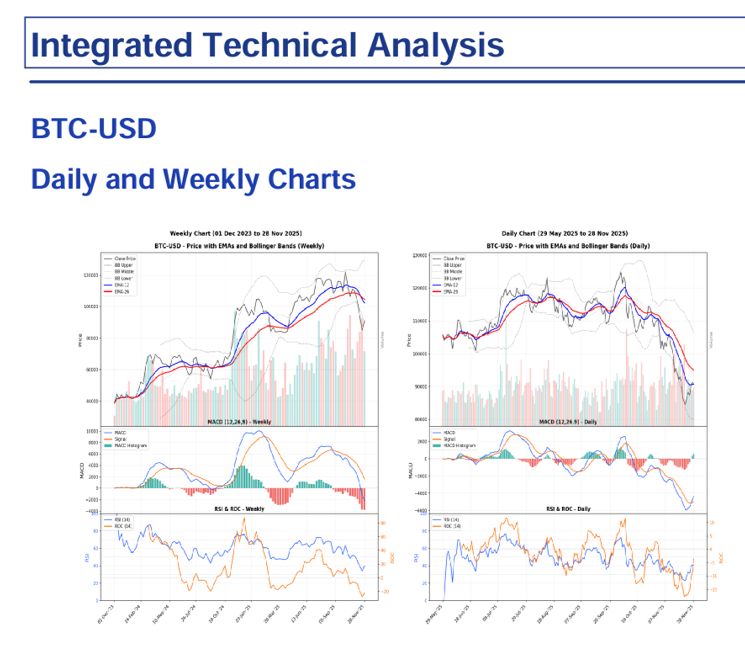
Technical Analysis Reports
Technical analysis for any Yahoo Finance symbol: indicators and charts in Excel, plus an AI-written report.
- Prices from the TIGZIG Yahoo Finance API, indicators computed in pandas
- Daily and weekly charts with EMAs, Bollinger Bands, MACD, RSI and ROC
- AI-written PDF and HTML report from the Technical Analysis API, no API key needed
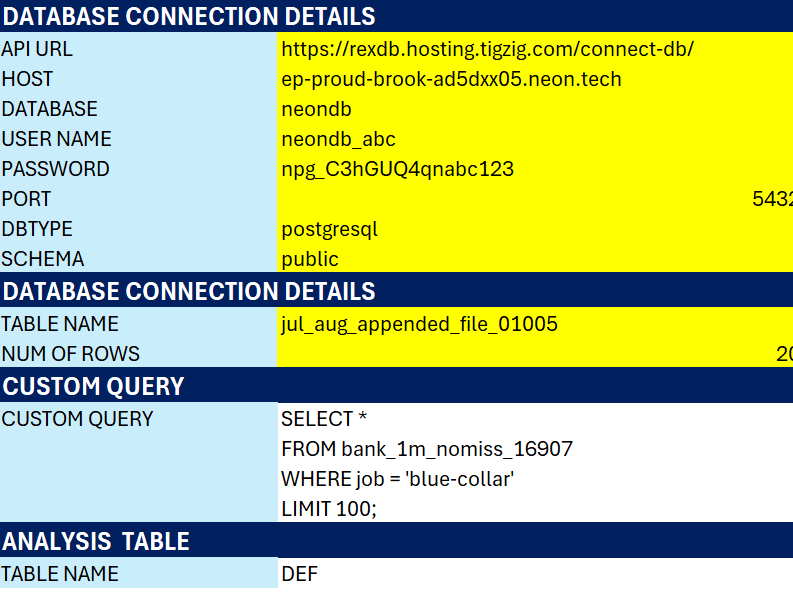
Database & ML
Query a Neon Postgres database straight from Excel, then run EDA and an XGBoost response model.
- List tables, pull rows and run SQL, with no server in between
- EDA with response rate by category and correlations
- XGBoost model with Gini, deciles, ROC and gain charts
AI Workflows
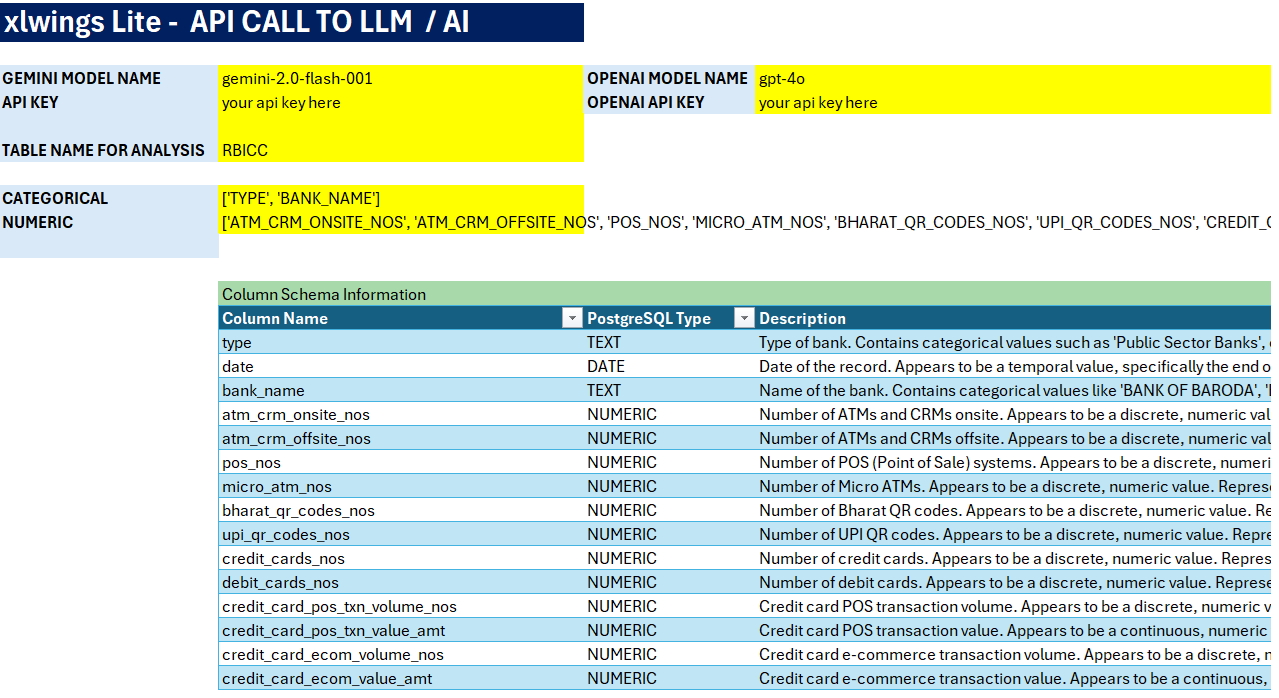
Call an LLM API from Excel (Gemini or any model on OpenRouter), get structured JSON back, and use it to drive a Python EDA.
- Automatic schema detection with structured JSON output
- Identify categorical and numerical variables intelligently
- Generate SQL-compatible data types for database integration
xlwings Lite Data Importer
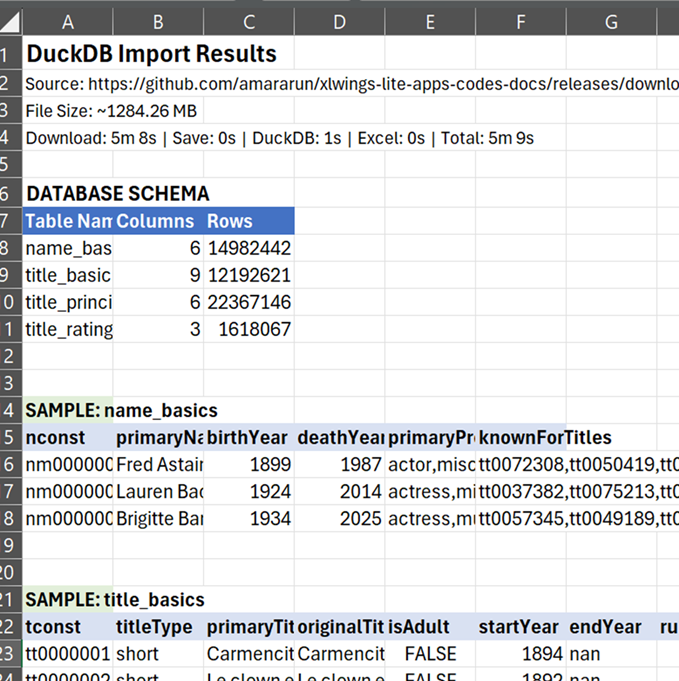
Import any file format into xlwings Lite. CSV, Parquet, DuckDB, PDF, Images, ZIP - from cloud URLs with auto-conversion to DuckDB for SQL.
- Raw file import: any file (PDF, images, ZIP, CSV, JSON, SQLite) - import as-is
- Auto DuckDB conversion: data files auto-convert to DuckDB for SQL
- Cloud sources: Google Drive, Dropbox, GitHub with shareable links or token access
- Setup guides: CORS proxy and OAuth token setup with AI instructions
MF Portfolio Holdings Analyzer
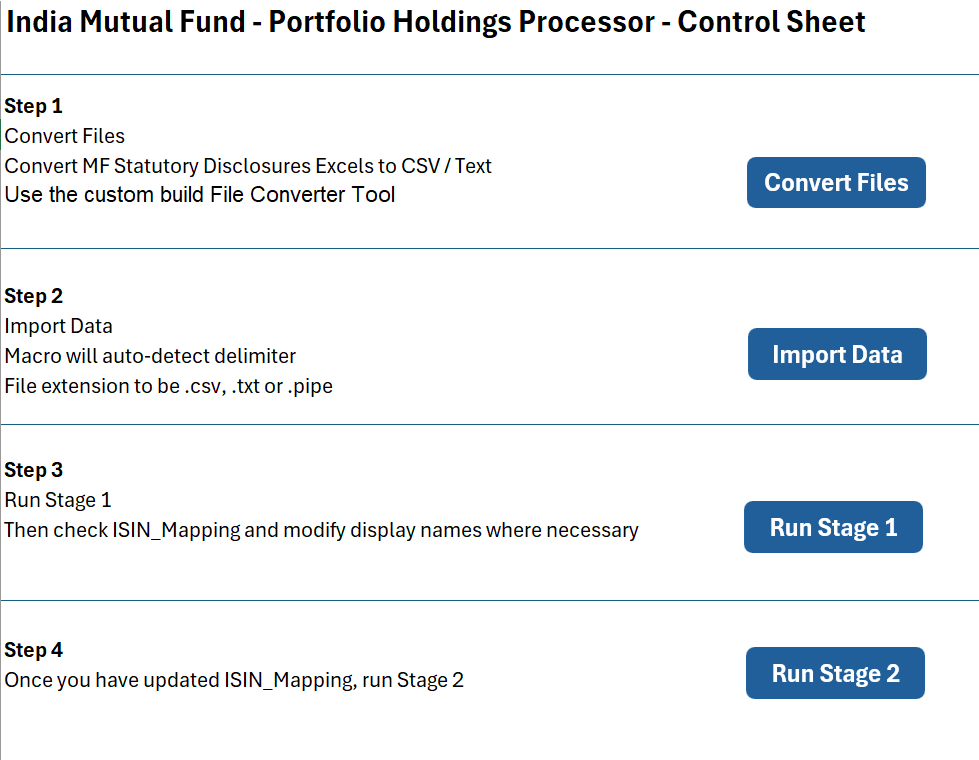
Two-period mutual fund holdings analysis with intelligent automation and data quality checks.
- Imports converted fund files in Python, with built-in sample data to try first
- Automatic 2-period detection: added, cut and exited holdings per fund
- Human-in-the-loop ISIN mapping correction workflow
Blog Posts
28 posts on Python in Excel, automation, and AI workflows.